

When we think about bank security, we usually picture heavy vault doors, complex PINs, and secure mobile banking apps. Rarely do we think about our personal email addresses.
Yet to a cybercriminal, access to your email inbox can be the ultimate gateway to your finances.
Today, scammers are increasingly targeting customer email accounts as a backdoor to their bank accounts.

Let’s look at how this happens, how to spot the warning signs, and the simple steps you can take today to lock your digital front door.
How to keep your bank account safe from fraudsters
How a Hacked Email Leads to a Swiped Bank Account
You might wonder, ”How can someone access my bank account just by getting into my email?” Here are the common tactics scammers use once they gain access to your inbox:
- The Forgot Password Trick: If a scammer knows your email address and has hacked into it, they can go to your online banking portal, click “Forgot Password,” and have the reset link sent straight to your email. Since they are already logged into your inbox, they reset your password, log into your bank account, and transfer funds.
- The Paper Trail Hunt: Scammers search your inbox and “Sent” folder for keywords like “statement,” “OTP,” “PIN,” “ID copy,” or “bank.” Armed with this personal information, they can easily impersonate you or trick customer service into giving them access to your accounts.
- Deleting the Evidence: Once they perform a transaction, they delete the bank notification emails from your inbox and “Trash”folder so you don’t notice anything iswrong until it’s too late.
Kaa Chonjo: Equity continues to sensitize customers on secure banking
Red Flags: How to Tell if Your Email is Hacked
- The Sudden Silent Inbox: You notice you aren’t receiving any new emails, or you miss important notifications.
- Unusual Password Reset Emails: You receive emails asking you to reset passwords for accounts you didn’t request.
- The Device Alert Notification: Your email provider sends a notification that a new device (e.g., from a different city or country) has logged into your account.
- Sent Folder Surprises: There are emails in your Sent folder that you never wrote.
Avoid Financial Fraud: Joseph’s Story and Essential Safety Tips
Kaa Chonjo! 4 Easy Steps to Protect Your Email and Your Money.
Protecting your bank account starts with securing your email. Here is your checklist to stay safe today:
Step 1
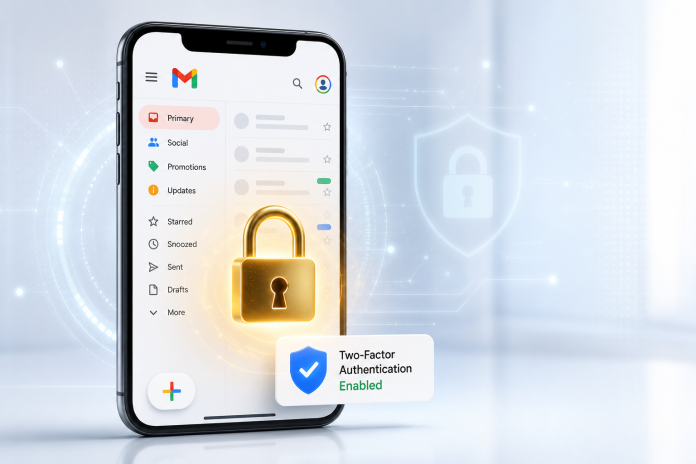
Set Up 2-Factor Authentication (2FA) on Your Email: This is your strongest shield. When enabled, anyone trying to log into your email from a new device will need a code sent to your phone. Even if a scammer guesses your password, they can’t get in without your phone.
Step 2
Create a Strong, Unique Password: Never use the same password for your email that you use for your bank account or social media. Make it a phrase that is easy for you to remember but hard for a computer to guess.
Step 3:
Clean Out Your Inbox: Delete old emails that contain sensitive documents like bank statements, photos of your ID, or utility bills. If scammers do get in, don’t leave them a treasure map.
Step 4:
Keep an Eye Out for 0763 000 000: Remember, Equity will only call you from 0763 000 000. If anyone calls claiming to be from Equity asking for your email, password, OTP, or PIN—even if they claim your account is blocked—hang up immediately.
Your security is a partnership. By keeping your email locked, you keep your hard-earned money safe.