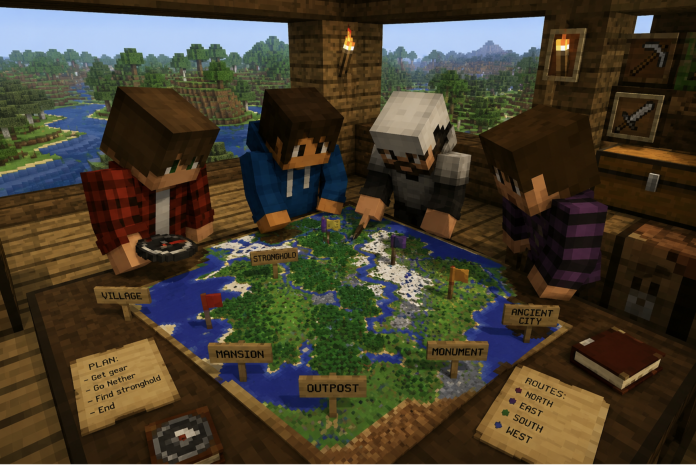
Structures change the game. A stronghold within 500 blocks of spawn is the difference between a quick End run and a two-hour expedition. A woodland mansion on the map means planning, not luck.
A minecraft seed viewer for finding structures shows every structure coordinate before you leave spawn. You plan the route, not the search.
Many players use a seed viewer to save time during the early stages of the game. Instead of exploring random areas, they can focus on locations that contain useful resources and important structures.

How to Find the Seed of a Minecraft Server
Before you can use a viewer, you need the seed. Here’s how to find the seed of a minecraft server depending on your access level:
- If you have operator permissions: type /seed in chat — number appears instantly
- If you own the server: check server.properties file, look for level-seed
- If you’re a regular player: ask the server owner or an admin
- On Bedrock: world settings show the seed in the Game tab
The Internet’s Annual Blocky Civil War: Inside the Minecraft Mob Vote
Minecraft confirms that the /seed command requires operator level 2 permissions on most server configurations. If the command returns nothing, permissions are likely restricted.
Once you have the number, the viewer does the rest.
After entering the seed, the tool quickly generates a full overview of the world. This allows players to see important locations before they even start exploring. It makes early-game planning much faster and more efficient.
What Structures the Viewer Reveals
A lot of players check their seed before starting because it helps them understand the world much faster. The viewer highlights important places, nearby biomes, and useful structures that could otherwise take hours to discover. You still get to explore everything yourself, but you spend less time searching without direction.
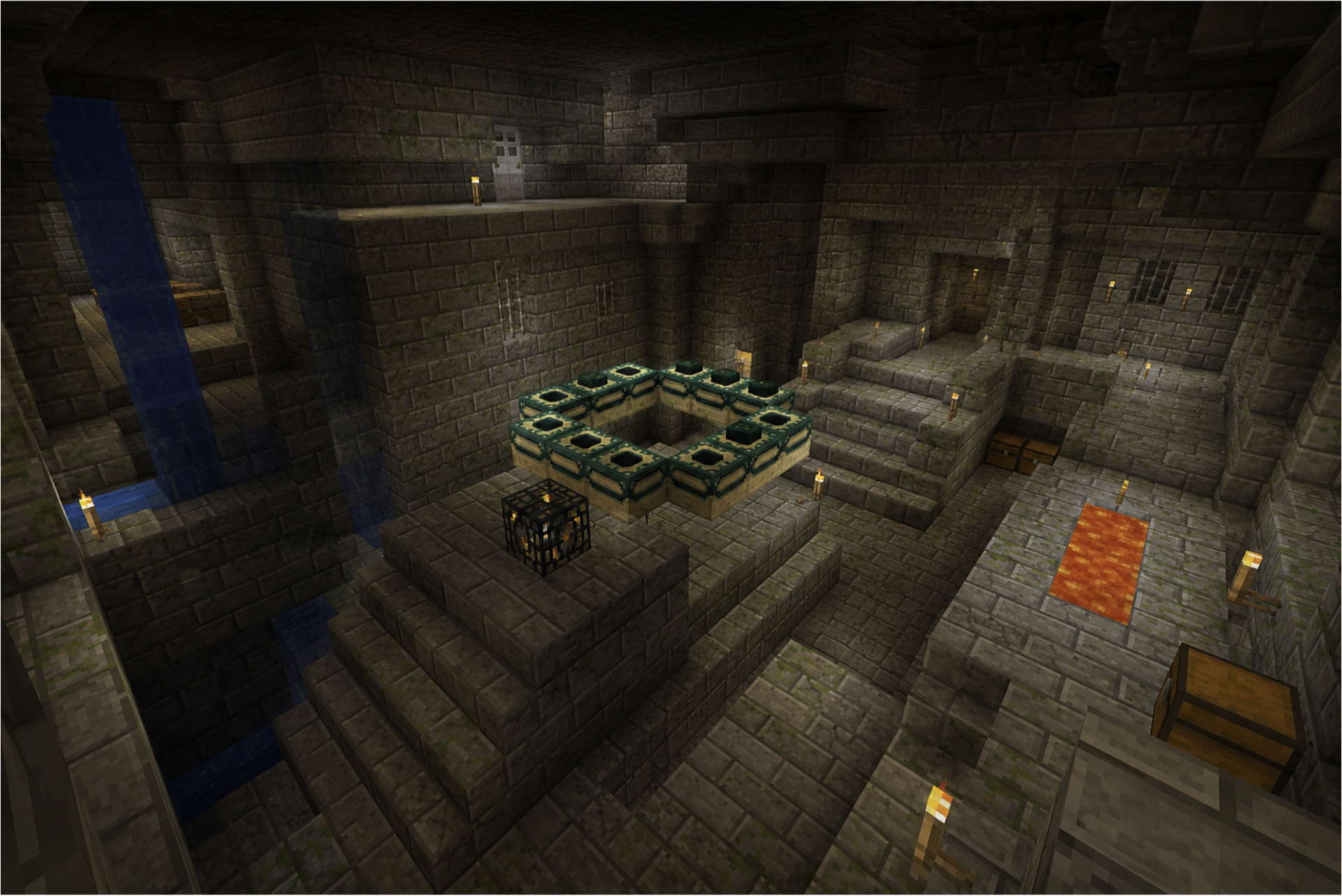
When you find the seed of a minecraft server and run it through a viewer, you get the full structure map:
- Strongholds — end portal rooms and exact coordinates
- Villages — all variants including plains, taiga, savanna, and desert
- Pillager outposts — useful for bad omen raids
- Ocean monuments — for elder guardians and sponge rooms
- Woodland mansions — rare and usually far from spawn
- Ancient cities — deep dark biome, high-risk high-reward
- Nether fortresses and bastions — visible once you enter the Nether
Using tools to find server seed minecraft makes it possible for every player on the server to access the same shared map through the viewer.
Why Minecraft Feels Completely Different With Modpacks
Why Knowing the Seed Changes Multiplayer Strategy
On shared servers, structure knowledge becomes a resource. Who gets to the stronghold first. Which village is closest to each player’s base. Whether there are multiple monuments worth raiding.
Find the seed of a minecraft server before the session starts and you arrive with a plan instead of a guess. That’s true whether you’re playing casually or in a competitive SMP context.
Minecraft streamer Technoblade — one of the most decorated competitive players in the game’s history — always emphasized preparation: “Knowledge is the most powerful weapon in any game.” Seed maps are exactly that kind of knowledge.
Server Performance Affects Structure Exploration
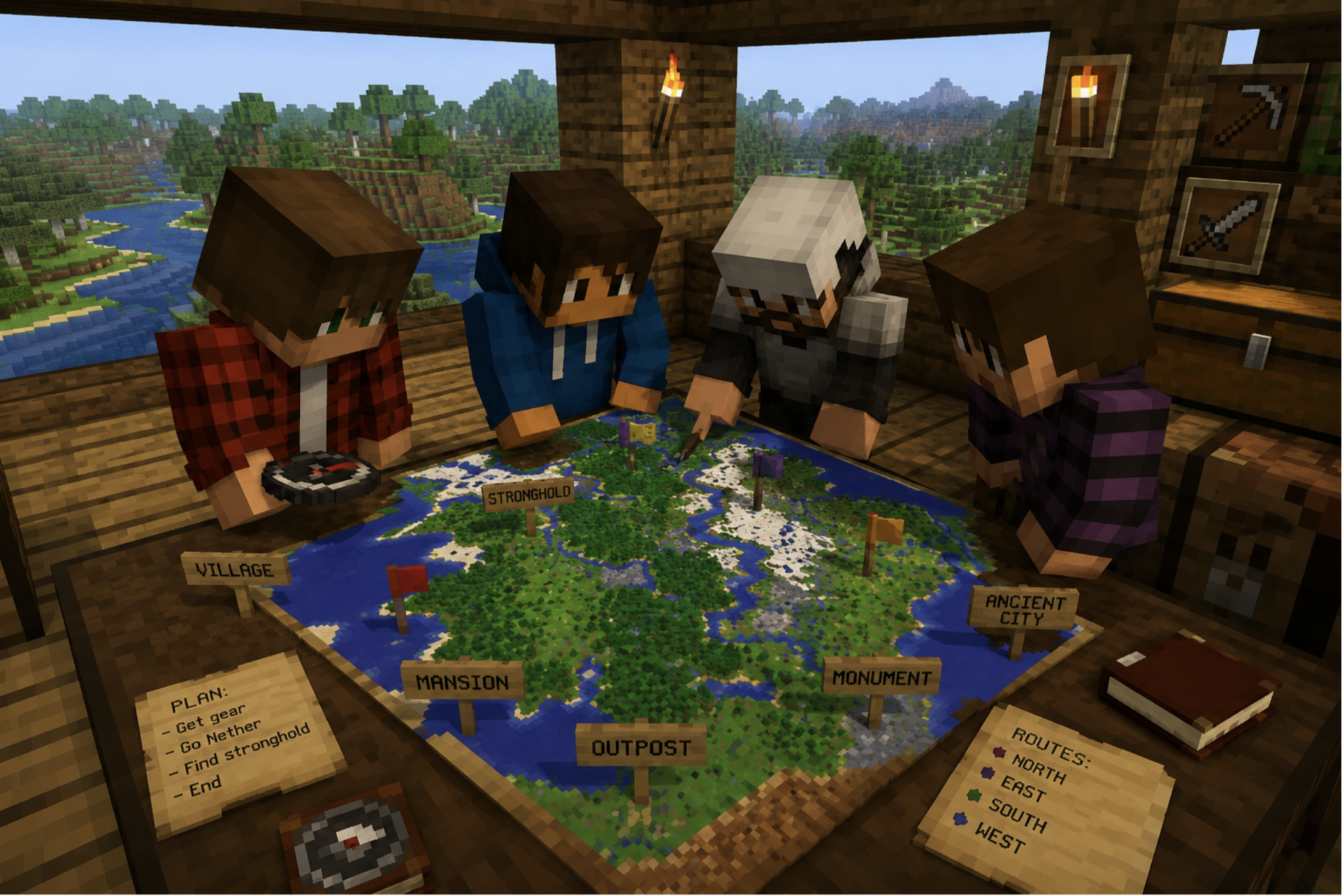
Looking at the structure map before starting a multiplayer session also helps teams plan their exploration. Players can choose different routes, avoid searching the same areas, and reach important locations more quickly by working together.
Traveling to distant structures loads new chunks constantly. On a healthy server, this is seamless. On an underpowered one, every fast journey creates lag spikes.
The viewer gives you the coordinates. A stable server makes sure the chunks are there when you arrive. Both matter. Neither works without the other.